
Every travel notebook has its tools. Here are mine: the tools, techniques, and design I use to create this site.
Typography
Headlines and quotations are set in Merriweather, a serif designed by Eben Sorkin for comfortable reading on screens. Body text uses your device’s own sans-serif (San Francisco on Apple devices, Segoe UI on Windows, Roboto on Android), so it reads crisply and loads instantly. The site follows your system’s light or dark setting, and remembers if you choose otherwise with the toggle at the top of the page.
Design
The site look and feel is based on the no-longer available Gatsby theme Novela by Narative, via the Hugo Novela port by Forestry.io. In the fall of 2026 I rebuilt the site, porting the Novela design, layout, spacing and details (the reading-progress line, the grid and list toggles) while substantially rebuilding the theme for the new site generator, Astro.
Words
Content is managed in plain-text markdown files using Obsidian. A few plugins do the heavy lifting, including Templater for metadata and Map view for geolocation tagging.
Generator
This site used Hugo as a static site builder for many years. In the fall of 2026, I rebuilt the site in Astro, using Claude Code and OpenSpec to guide the redevelopment.
Links between notes stay exactly as Obsidian writes them, as relative paths to other Markdown files. When the site is built, each one is turned into the page’s address on the site, including links to a heading, and a link to a note that doesn’t exist, or isn’t published yet, stops the build instead of shipping a broken link.
These packages build the site:
- astro: the static site generator
- satteri and @astrojs/markdown-satteri: turn the Markdown notes into pages
- sharp: resizes and compresses every photo
- sass: compiles the stylesheets
- github-slugger: makes the heading addresses that links between notes point to
- js-yaml: reads each note’s properties when the build checks the vault
- leaflet: draws the maps
And these help develop it:
- playwright: screenshots and style checks against the live site
- vitest: unit tests
- typescript, @astrojs/check, @types/node and @types/leaflet: type checking
Maps
Places start in Obsidian. With the Map View plugin, I tag each place as I write: its name is a link with coordinates behind it, like [Parc Natural del Garraf](geo:41.2822,1.9080), followed by an optional category such as tag:hiking or tag:dining. A post with a geocoded link carries a locations: property, which tells Map View to look for places in the note. In Obsidian, I can locate the map whereever I like while I write.
When the site is built, Astro reads those same links. Each one becomes a marker on the post’s map, drawn with Leaflet on CARTO’s Positron tiles, with an icon for its category. In the text, each place name gets a category icon and takes readers to its zoomed in location. The map’s code only loads when you scroll to it, so posts without maps stay light.
On the old Hugo site, maps needed a helper: before every build, a small Python script, build_geojson.py, searched each post’s text for geocoded links and wrote the places it found into a map.geojson file next to the post, which the map then downloaded in your browser.
The Astro site doesn’t need this parsing script or the files. While it builds each post, it reads the geocoded links with the same Markdown parser that turns the post into a page, collects every place with its name, coordinates and category, and writes them straight into the page alongside the map. There’s nothing extra to run or keep in sync, and every place is read the same way it’s displayed.
Map tiles © CARTO, map data © OpenStreetMap contributors, icons by Lucide.
Build
The site is plain HTML, generated ahead of time. When I publish, Astro reads the Obsidian vault directly, resizes and compresses every photo, colors any code samples, and writes out static pages. There’s no framework running in your browser, only a few small scripts for the toggles and the progress bar.
Hosting and privacy
The site is served by Netlify. There are no ads or trackers; visits are counted by Simple Analytics, which uses no cookies and collects no personal data.
Photos
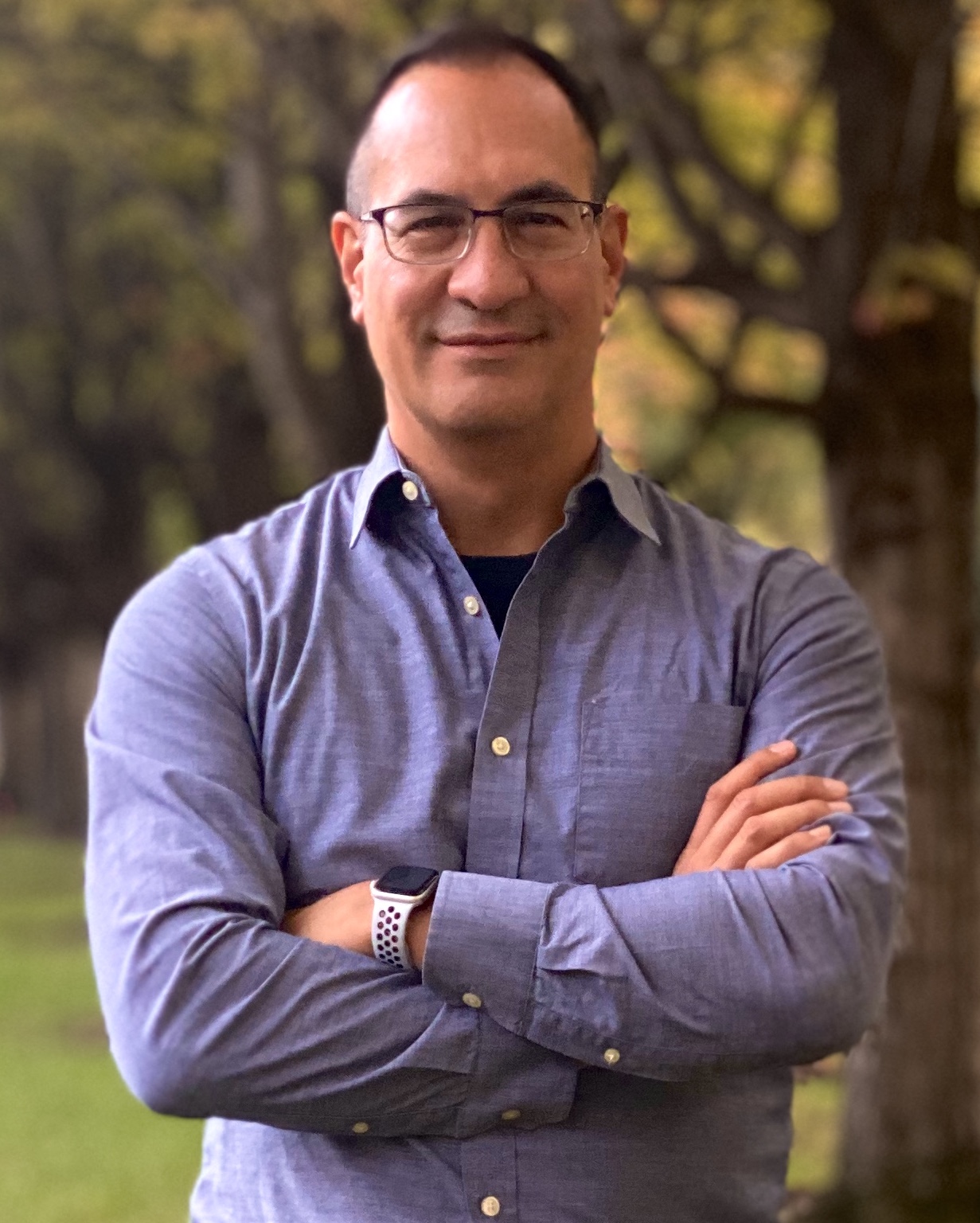
All photos have been taken by me, Nick Gracilla, and are copyright.